One photo, every slide.
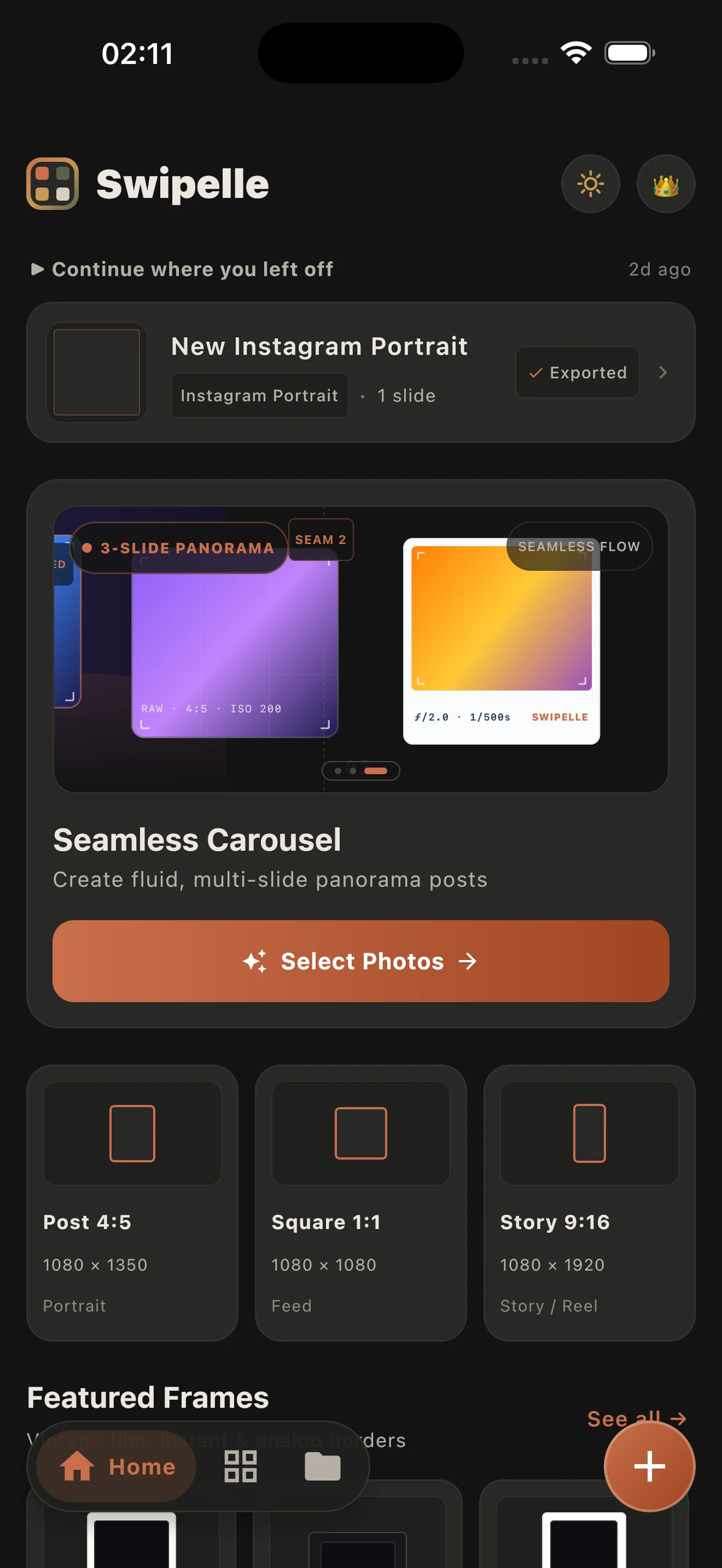
Spread one photo across your whole carousel. The edges line up perfectly, so every swipe reveals the next part of the picture.
Swipe forever.
Swipelle 400 · 24 expSpread one photo across every slide, add film frames and collages, and preview it in the feed before you post.
Free to download · No account needed · Your photos stay on your device
Swipelle lines up every slide, so the picture carries on with every swipe.
Spread one photo across your whole carousel. The edges line up perfectly, so every swipe reveals the next part of the picture.
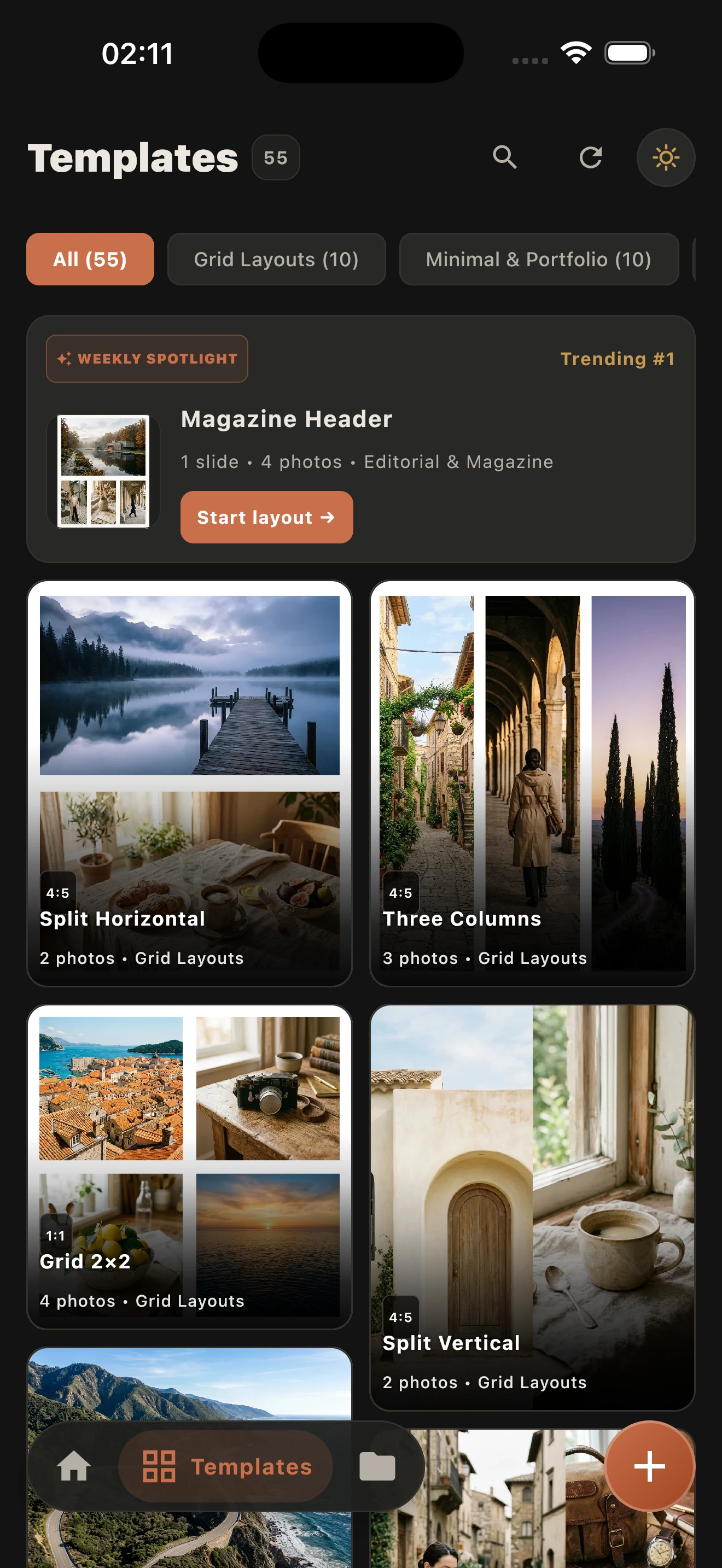
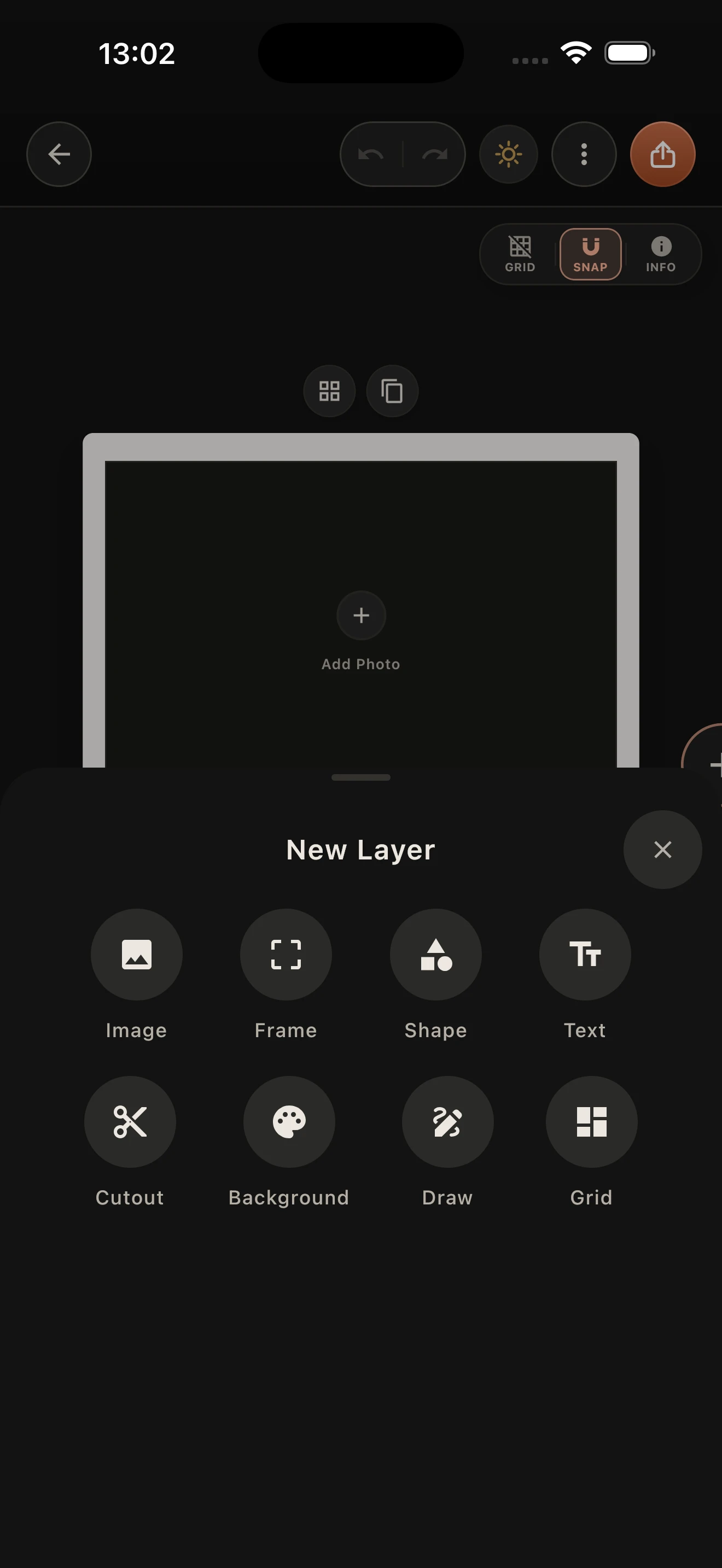
Polaroid, Instax, 35mm film and scrapbook frames that make every collage feel printed.
Swipe through your carousel as it will look in the feed, and fix anything before your followers see it.
Mix video loops into your layouts and export in high resolution, ready to post.
Choose from your library.
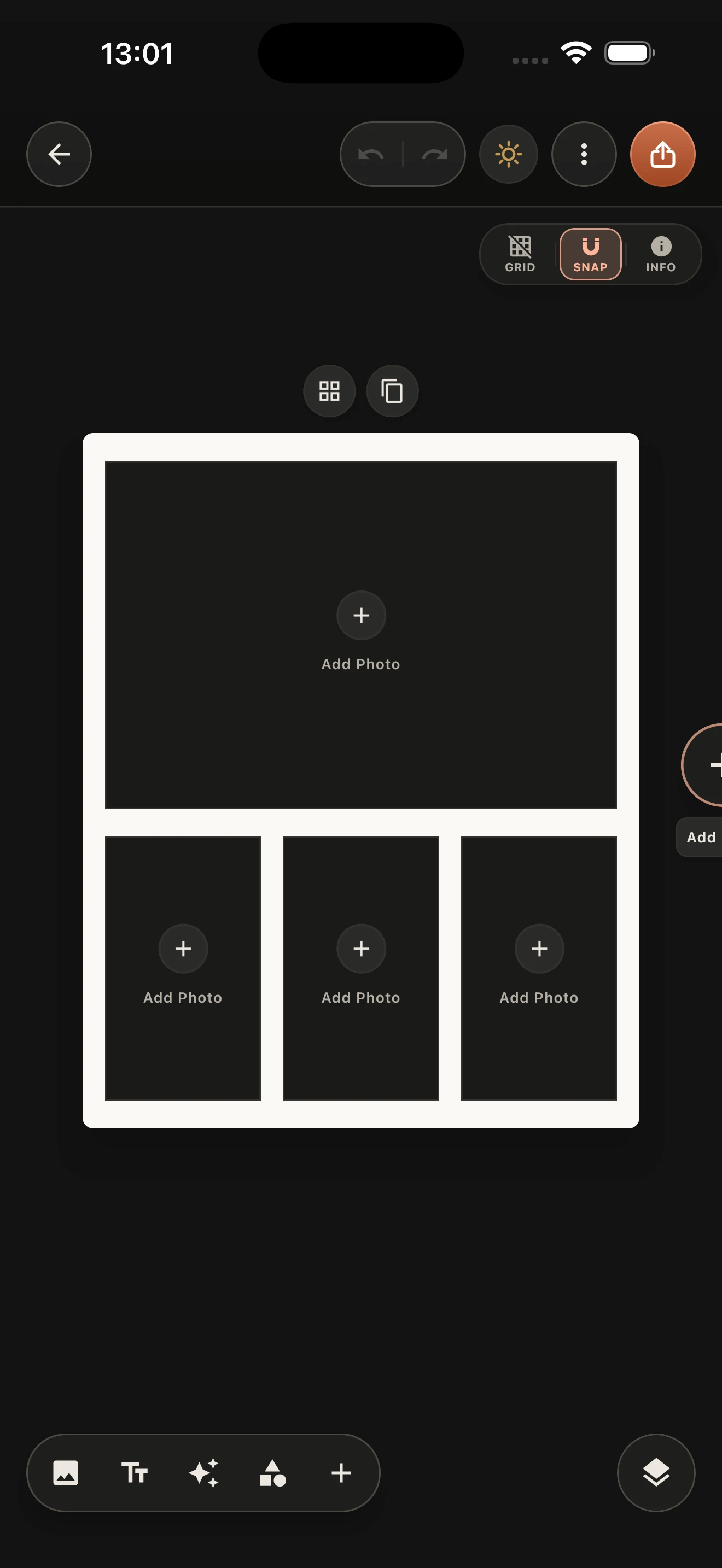
Pick a layout, add frames, fine-tune spacing, shadows and crop.
Save in full quality, then post it to Instagram.
Soon, on iPhone and Android. Join the launch list to try the beta first and get launch-week pricing on Swipelle Pro Lifetime.
Swipelle is free to download, with an optional Swipelle Pro subscription.
No. Your photos stay on your device. Editing and export happen entirely on your phone.
iPhone and iPad with iOS 16 or later, and Android 7.0 or later.
Yes. Swipelle exports square and portrait slides sized for Instagram carousels.
Email support@swipelle.com and we'll get back to you.
Free to download · No account needed · Your photos stay on your device